In some cases, you may have the need to edit the details of an order. For example, you may want to fix an email typo or remove a product that is no longer available.
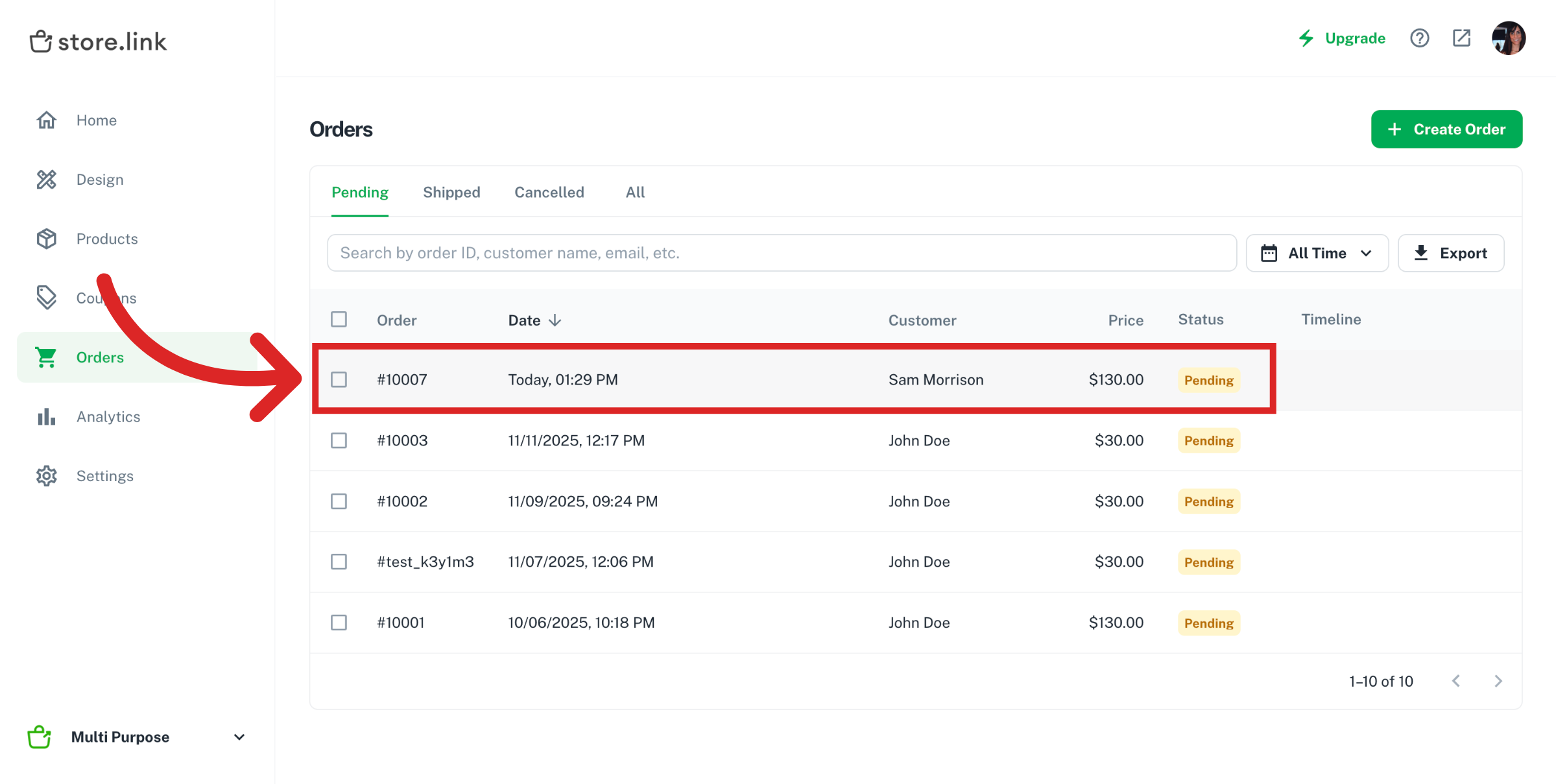
Go to your Store.link dashboard and navigate to Orders tab. Inside the Orders page, click on the order you want to edit.
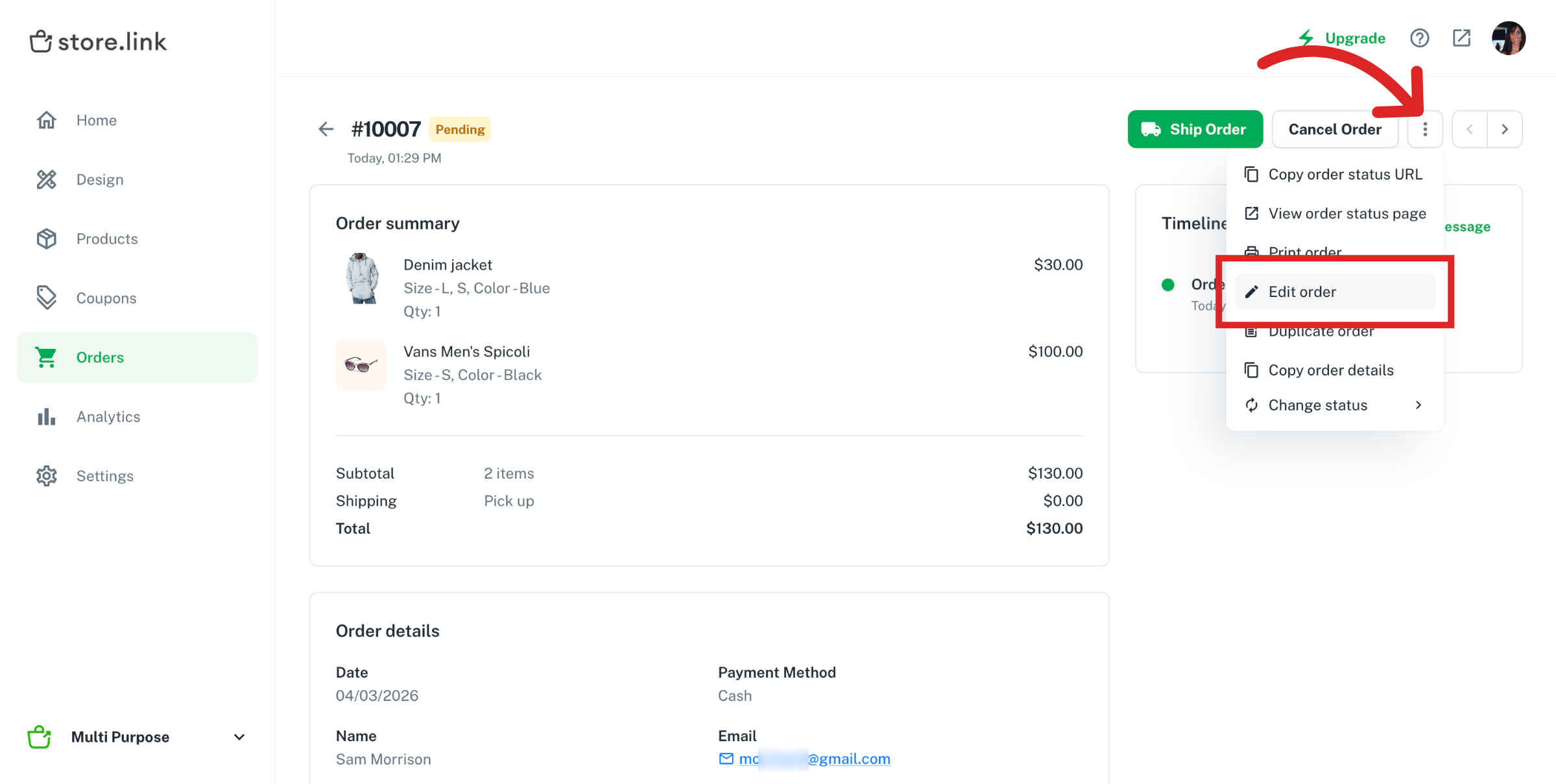
Inside the order details, click on the three dot menu and select Edit order from the dropdown list.
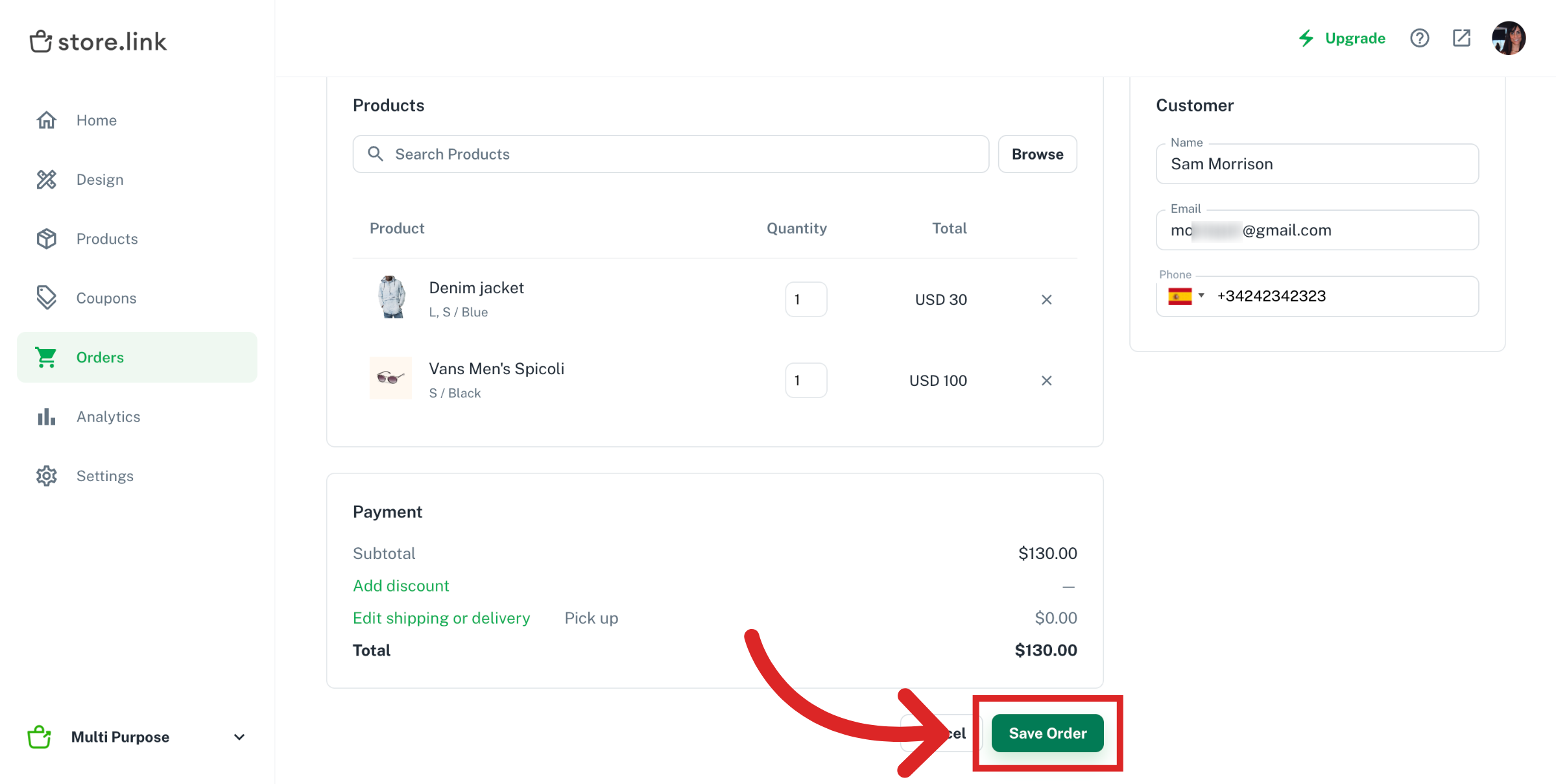
Here, you have the option to change Customer details and add or remove products from the cart, apply discount coupons etc.
Once you're done with the edits, click on Save Order button to save the changes made.
Note
You can’t delete an order from the Orders page on your dashboard. Instead, change the order status to Cancelled.
Was this article helpful ?
Still need help?
Contact us